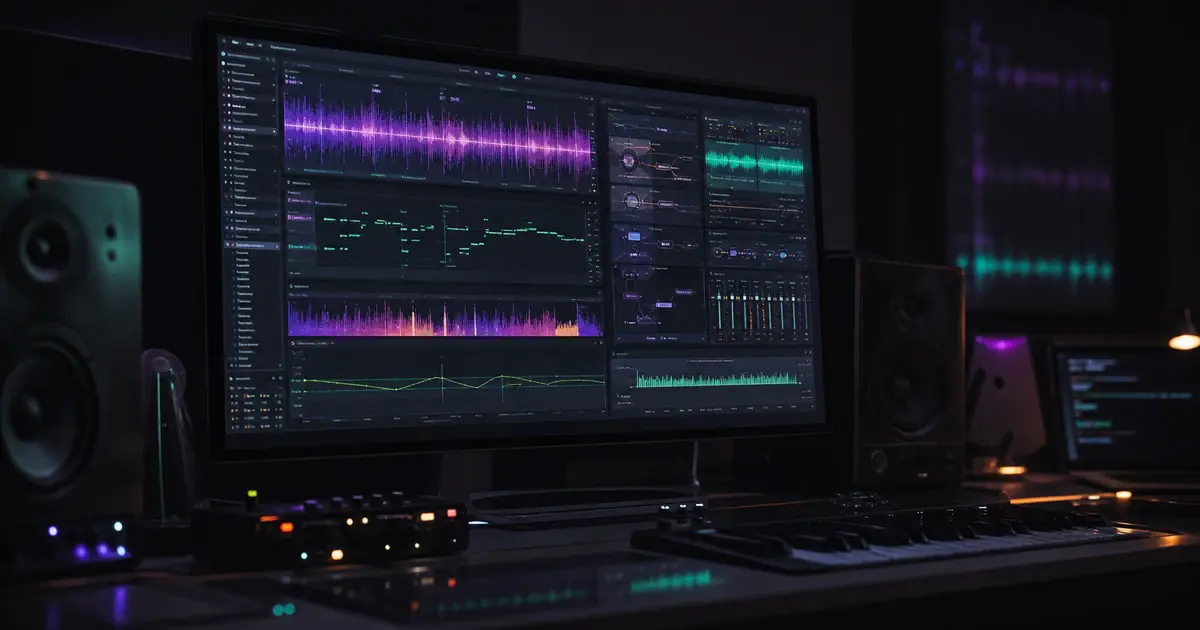
I'm building a DAW from scratch. JUCE C++ backend, React/TypeScript frontend in a WebView, the whole nine yards. When we got to the point where we needed to host ARA2 plugins like Synchro Arts RePitch (think Melodyne-style pitch editing inside the DAW), I figured it'd be a week of work. Months later, I'm writing this post.
ARA2 (Audio Random Access) is Celemony's protocol that lets plugins like Melodyne, RePitch, and VariAudio deeply integrate with a DAW. Instead of the usual "audio goes in, processed audio comes out" model of VST/AU, ARA gives the plugin random access to the entire audio file. The plugin analyzes the audio, shows you the individual notes, and lets you edit them graphically. It's genuinely impressive technology. Hosting it is genuinely painful.
Here's what we ran into and how we fixed each problem.
Challenge 1: The Plugin Reports Mono, The Track Is Stereo
The first thing that threw us off: RePitch reported inCh=1 outCh=1 - mono input, mono output. Our track was stereo. Every other plugin we hosted either matched the track channel count or we'd expand/contract the buffer automatically in our safeProcessFX wrapper.
For ARA, the channel count matters in two places: the plugin's audio I/O (what processBlock sees) and the ARA audio source (what readAudioSamples serves). We had to make sure the ARA source's exposedChannelCount was derived from the plugin's bus configuration, and that our readAudioSamples callback correctly downmixed stereo file data to mono when the plugin expected it.
The misleading part: our diagnostic log said the processing path was "DIRECT" (plugin channels == buffer channels) when it was actually "EXPANDED" (they didn't match). Turned out the log used <= where the actual code used ==. A one-character bug in a log line that sent us investigating a phantom channel mismatch for hours.
Lesson: Your diagnostic logs should match your actual code paths. A misleading log is worse than no log.
Challenge 2: The 300ms processBlock
This was the big one. After loading RePitch and pressing play, every single processBlock call took ~300ms. For a 64-sample buffer at 44.1kHz, that's supposed to take ~1.5ms. We were 200x over budget. The playhead barely moved. No audio came out.
We went through multiple theories:
Theory 1: Disk I/O Contention
Our PlaybackEngine was reading the clip audio file from disk, filling the buffer. Then the ARA plugin's processBlock was calling our readAudioSamples callback, which read the same file from disk again. Double disk I/O on the audio thread.
We fixed this two ways:
- Skipped PlaybackEngine for ARA tracks - the ARA playback renderer provides its own audio, so the PlaybackEngine read was pure waste.
- Pre-loaded the entire audio file into memory - our
readAudioSamplescallback now serves from a pre-allocatedAudioBuffer<float>instead of hitting the disk. For a 3.5-minute stereo file at 48kHz, that's about 80MB of RAM. Totally worth it.
Result: still 300ms per block. Disk I/O wasn't the bottleneck.
Theory 2: Block Size Too Small
The plugin was being prepared with bs=64 (our ASIO buffer size). Non-ARA plugins got a minimum of 512 - we had intentionally passed the raw device block size to ARA plugins. When we bumped it to 512, the plugin reported pluginBs=512 in the logs.
Result: still 300ms per block. Block size wasn't it either.
Theory 3: Block Accumulation
Maybe the plugin needed actual larger blocks in processBlock, not just a larger preparation size. We built a full block accumulation bridge - accumulate 64-sample audio callbacks into a 2048-sample buffer, call processBlock once with the large buffer, then dole out the output 64 samples at a time.
Result: still ~290ms per processBlock call. The 300ms was a fixed cost per call, not proportional to block size.
Theory 4: Heap Allocation on Audio Thread
Our readAudioSamples was creating a juce::AudioBuffer<float> (heap allocation) on every call. If the plugin called this hundreds of times per processBlock...
Result: already fixed by the pre-load. But even with zero allocations, still 300ms.
The Actual Root Cause
We finally got the user to describe their exact workflow:
"I open the plugin window, play the clip once by pressing spacebar, the audio plays smoothly. Then I edit notes and it keeps working."
"But if I edit notes without playing first, pressing spacebar does nothing from the plugin window, and from the host window the playhead is stuck."
The key was "play once first." The first play initializes the plugin's internal renderer. After that, the renderer can handle note edits incrementally. Without that first play, the renderer has never been activated, and the first processBlock after a note edit tries to build everything from scratch - taking ~300ms per call indefinitely.
The fix: renderer warmup. After adding an ARA clip, we call processBlock 8 times with a temporary playhead that reports isPlaying=true. This happens on the message thread during clip loading, before the user ever touches the editor. The renderer initializes its internal state, and subsequent processBlock calls (even after note edits) are fast.
// After plugin reactivation in addARAClip:
struct WarmupPlayHead : juce::AudioPlayHead {
    // Reports isPlaying=true with advancing position
};

WarmupPlayHead warmupHead;
araPlugin->setPlayHead(&warmupHead);

for (int i = 0; i < 8; ++i) {
    warmupBuf.clear();
    araPlugin->processBlock(warmupBuf, warmupMidi);
    warmupHead.pos += (double)bs / sr;
}

araPlugin->setPlayHead(this); // restore real playhead
Lesson: ARA plugins may require an initial processBlock pass to initialize their internal renderer before they can handle content modifications efficiently. The ARA spec doesn't require this, but real-world plugins do.
Challenge 3: syncClipsWithBackend Breaks Everything
Even after the warmup, playing from the host window still caused 300ms blocks. Playing from the plugin window worked fine.
We traced the two code paths:
Plugin-initiated play (spacebar in plugin window): Plugin calls requestStartPlayback() -> just setTransportPlaying(true). Done. Works.
Frontend-initiated play (spacebar in host window): Frontend calls syncClipsWithBackend() (clears all PlaybackEngine clips, re-adds them, syncs automation and tempo markers) -> setTransportPosition() -> setTransportPlaying(true). Broken.
The syncClipsWithBackend call was the culprit. Even though we'd already skipped PlaybackEngine reads for ARA tracks, the full clip clear+rebuild involved multiple backend bridge calls, lock acquisitions, and state churn that disrupted the ARA plugin's internal state.
The fix: When any track has an active ARA plugin, the frontend's play() function skips syncClipsWithBackend() entirely and just does position + play - matching the plugin-initiated path that worked.
const araActive = await nativeBridge.hasAnyActiveARA();
if (araActive) {
    // Minimal play - skip sync, ARA tracks don't use PlaybackEngine
    await nativeBridge.setTransportPosition(startTime);
    await nativeBridge.setTransportPlaying(true);
} else {
    // Normal play with full clip sync
    await syncClipsWithBackend();
    await nativeBridge.setTransportPosition(startTime);
    await nativeBridge.setTransportPlaying(true);
}
Lesson: ARA plugins are sensitive to host state changes during playback initialization. Keep the play path minimal.
Challenge 4: Spacebar From Plugin Window
In a standard VST3 host, the plugin's editor is a native window embedded in your DocumentWindow. Key events go directly to the plugin's native HWND via Win32. Your JUCE code never sees them.
This created two problems:
- After note edits, the plugin consumed spacebar but didn't start playback (broken renderer state - fixed by warmup).
- Even when the plugin was fine, we needed the host to handle spacebar for transport control.
We installed a Win32 WH_KEYBOARD thread-local hook that intercepts VK_SPACE before it reaches the plugin's native HWND:
static LRESULT CALLBACK pluginWindowKeyboardHookProc(int nCode, WPARAM wParam, LPARAM lParam) {
    if (nCode >= 0 && hookInstance != nullptr) {
        const bool isKeyDown = (lParam & (1 << 31)) == 0;
        if (isKeyDown && hookInstance->isPluginWindowFocused()) {
            if (static_cast<int>(wParam) == VK_SPACE) {
                // Forward to host transport, consume the key
                hookInstance->handlePluginWindowKeyPress(key);
                return 1;
            }
        }
    }
    return CallNextHookEx(nullptr, nCode, wParam, lParam);
}
But then we hit a double-delivery problem: the hook forwarded the key to the frontend, AND JUCE's PluginWindow::keyPressed also forwarded it. Two play commands from one keypress. The second one arrived before the first play() call had set isPlaying=true, so both saw isPlaying=false and both called play().
Fixes:
- JUCE keyPressed suppression: Return true for spacebar in
keyPressedwithout forwarding - the hook already handled it. - Frontend debounce: 150ms timestamp-based debounce on spacebar in the dispatcher to catch any remaining double-delivery.
Lesson: On Windows, plugin HWND key events bypass JUCE entirely. You need Win32 hooks to intercept them. But be careful about duplicate event delivery from the hook path and the JUCE path.
Challenge 5: readAudioSamples Format Handling
This was a quieter bug. Our readAudioSamples implementation was reading audio through JUCE's AudioFormatReader. For WAV files with integer samples (16-bit, 24-bit), the reader handles int-to-float conversion automatically when you read into a juce::AudioBuffer<float>. But we initially tried reading directly into the ARA output buffers (raw float pointers), which only works for float WAV files. Integer WAV data interpreted as float is garbage.
The fix was straightforward - always read through a temporary AudioBuffer<float>, then copy to the ARA output buffers. After pre-loading, this became a simple memcpy from the pre-loaded buffer, so the temporary buffer isn't needed anymore on the hot path.
Lesson: Never assume the audio file format. Always let JUCE's reader handle format conversion.
What We Ended Up With
After all of this, our ARA2 hosting does the following:
- Initialization: Create ARA document controller, bind plugin with playback + editor renderer + editor view roles.
- Clip addition: Deactivate plugin -> create ARA source/modification/region -> enable audio access -> re-prepare plugin -> warmup 8 blocks -> reactivate.
- Audio reading: Pre-load entire file into memory. Serve
readAudioSamplesfrom RAM. - Playback: Skip PlaybackEngine for ARA tracks. Skip
syncClipsWithBackendwhen ARA is active. Plugin's processBlock provides the audio. - Keyboard: Win32 hook intercepts spacebar from plugin windows, forwards to host transport with debounce.
Things I Wish I Knew Before Starting
-
ARA plugins have internal state machines that aren't documented. The spec tells you what callbacks to implement, but not what the plugin expects to happen behind the scenes. The "warmup processBlock" requirement isn't in any spec - it's an empirical finding from one specific plugin.
-
The ARA spec is permissive, but plugins are opinionated. The spec says you can do things in various orders. Real plugins expect a specific sequence and break silently if you deviate.
-
Your existing audio pipeline assumptions break. PlaybackEngine reads audio? Not for ARA tracks. syncClipsWithBackend before play? Not for ARA tracks. Process plugin with 64-sample blocks? ARA plugins might need at least 512. Every "always do X" in your codebase needs an "unless ARA" check.
-
Diagnostic logging is your most important tool. We added per-processBlock timing, readAudioSamples call counting, content change notification tracking, warmup state flags, and path-tagged logs for both play paths. Without these, we'd still be guessing.
-
Test the exact user workflow that breaks. We spent days testing "load plugin -> play" when the actual bug was "load plugin -> edit note -> play." One extra step in the workflow changed everything.
We're building OpenStudio - a hybrid DAW with JUCE C++ audio backend and React/TypeScript frontend. If you're working on ARA2 hosting and hitting similar issues, I hope this saves you some of the pain we went through.